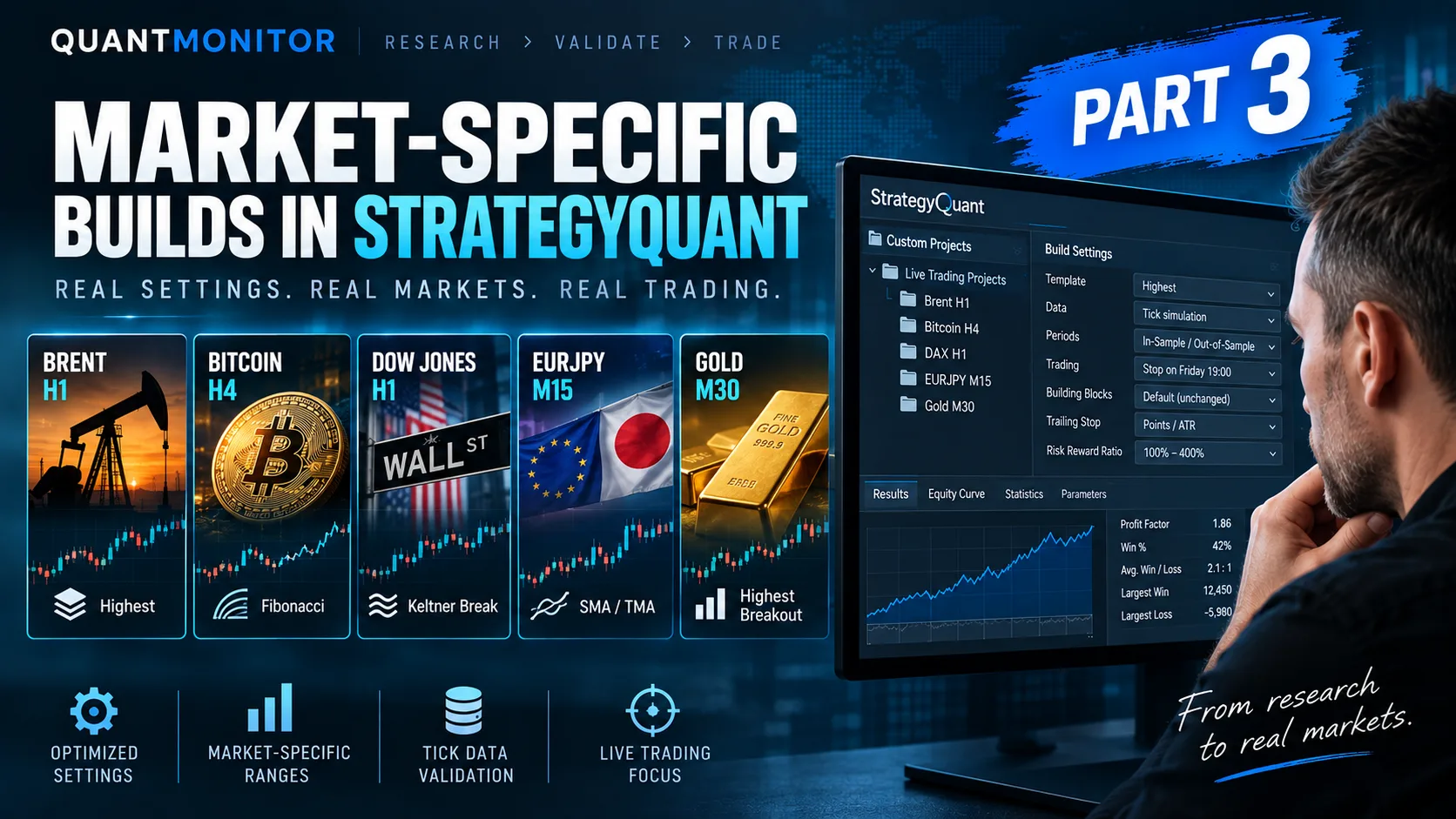
A complete workflow for building, testing, and deploying algorithmic trading strategies like a professional trader.
The QuantMonitor Premium Dashboard is not just a collection of videos or templates.
It’s a complete ecosystem — a structured environment designed to take you from:
raw market data → strategy development → portfolio construction → automation → real live trading.
This article provides a full overview of what’s inside the dashboard, how each module fits into the workflow, and how premium members can use it to rapidly build robust, market-neutral algorithmic portfolios.
Let’s get started.
1. The Philosophy Behind the Dashboard
Retail algo traders often struggle with three things:
- bad or low-quality historical data,
- lack of robust strategy frameworks,
- no structured workflow for building diversified portfolios.
The Premium Dashboard solves all three:
✔ clean data import tutorials
✔ professional templates (parameterless, regime-agnostic, robust)
✔ step-by-step guidance for StrategyQuant X
✔ portfolio engineering methodology
✔ automated deployment tools
✔ monitoring tools for live trading
Everything is designed to work together as a consistent system.
2. Introductory Course: Build a Foundation That Lasts
Data Import
The first module teaches you:
- where to get clean historical data (Roboforex, Darwinex, etc.),
- how to import M1/tick data into StrategyQuant,
- what settings to use for reliable strategy generation,
- why data structure matters for Monte Carlo and OOS testing.
This is the technical foundation needed to generate realistic strategies later.
3. AlgoWizard Strategies & Templates
This is one of the most important sections.
AlgoWizard lets you design rule-based trading systems visually — and templates give you the starting point.
Inside the dashboard you will find:
🎥
Videos
- Custom building strategies
- AlgoWizard templates
📌
Template categories
- Intraday Short
- Parameterless Algorithms
- Long Breakout (ETFs + Stocks)
- Mean Reversion (Long Only)
📘
The Templates E-Book (PDF) explains each model:
Including but not limited to:
- Bollinger Break
- Bollinger Pullback
- Divergence
- Seasonal Template
- Fibonacci Break
- Turnaround Tuesday
- Keltner Break
- Keltner Pullback
- Linear Break
- Linear Pullback
- Volatility Break
- Volatility Pullback
- and more…
Each template provides:
- indicator logic (built-in and customizable)
- entry model (STOP/LIMIT/MARKET)
- SL/TP configuration
- trailing stop logic
- filtering options
- randomization settings
- multi-market compatibility
The templates dramatically speed up the research process — instead of starting from zero, you start from a proven, market-neutral structure.
4. Building Strategies (Full Workflow)
These videos guide you through the entire life cycle of a strategy:
▶ Build Long Breakout Strategy
Learn how to build trend-following systems that work across indices, ETFs, and stocks.
▶ Build Mean Reversion Strategy
Perfect for equities and strong pullback markets.
▶ Build First Strategy Using Templates
Shows exactly how to take a template → customize inputs → generate variations → evaluate → export.
The Templates E-Book complements this with professional methodology:
● script generation settings
● data ranges
● cross-checks & robustness filters
● realistic slippage settings
● multi-market validation
● Monte Carlo simulation
● What-If analysis
This gives traders a complete, repeatable workflow.
5. Building Portfolios
A single strategy is not enough — you need a portfolio.
Inside this module, you’ll find:
▶ Manual portfolio creation
How to manually combine strategies and evaluate correlations.
▶ Automatic portfolio building
How to let StrategyQuant generate portfolios based on robustness criteria.
▶ Correlation of different markets
Why combining indices, metals, ETFs and FX is crucial.
▶ Portfolio examples
Full breakdowns of portfolio structures with equity curves and weighting logic.
The e-book section further explains:
- exposure normalization
- volatility alignment
- multi-asset diversification
- understanding distribution shift in live trading
- how to maintain a dynamic portfolio
6. Prop Trading & Live Trading
This section shows:
- how to use QuantMonitor strategies on Darwinex Zero,
- how to evaluate strategies in real time,
- how to understand the live vs. backtest differences,
- how to pass prop evaluations using diversified algo portfolios.
You will also see a real example of a Darwin, including:
- long-term performance
- drawdown profile
- allocation
- risk-management model
7. New Templates: Symmetric Build Template & Range Breakout
This is one of the most powerful additions:
- Symmetric Build Template (NEW)
- Templates & Custom Projects
- Range Breakout Template
These tools are ideal for:
- breakout strategies
- symmetrical entry models
- high-speed multi-market testing
- high-performing intraday setups
They provide a robust framework that reduces overfitting and improves consistency.
8. Deployment Tools
Premium members get three automation tools:
✔ Rename Tool
Automatically renames strategy files in a consistent format.
✔ EA Deployer
Deploys hundreds of strategies directly into MT5 folders.
✔ AutoBacktester
Runs automated backtests on multiple strategies without user input.
These tools save dozens of hours of manual work.
9. Free Monitoring Tool
Our free Monitoring EA acts as a real-time safety system for your trading accounts.
Once attached to your MT4/MT5 chart, it continuously checks the critical conditions of your trading environment and immediately alerts you when something goes wrong.
The Monitoring EA tracks:
- connection status to the broker (detects disconnections)
- terminal freezes or platform overload
- CPU overload that may block trading operations
- equity and balance thresholds
- abnormal drawdown
- risk of margin calls
- execution stability and platform uptime
The goal is simple:
➡️ ensure your algorithms keep working safely
The EA is free for all QuantMonitor members and requires only a standard MT4/MT5 installation.
10. Templates E-Book (Included in Premium Membership)
The PDF book is a complete reference guide:
- All template types
- Logic explanation
- Entry/exit workflows
- SL/TP models
- Indicators
- How to edit templates
- Robustness methodology
- Portfolio construction
- Data considerations
- Dealing with overfitting
- Multi-market testing
It effectively turns StrategyQuant into a fully documented research environment.
Conclusion: A Full Ecosystem for Algo Traders
The QuantMonitor Premium Dashboard is not just a set of templates — it’s a complete quantitative development environment.
✔ Learn to import clean data
✔ Use professional templates
✔ Build robust strategies
✔ Construct diversified portfolios
✔ Automate deployment
✔ Monitor live performance
✔ Trade prop or personal accounts like a professional trader
Whether you’re starting from zero or scaling a profitable portfolio, the dashboard gives you a structured, repeatable, professional workflow.
If you’re ready to take your algorithmic trading to the next level, the Premium Dashboard offers all the tools and education you need.